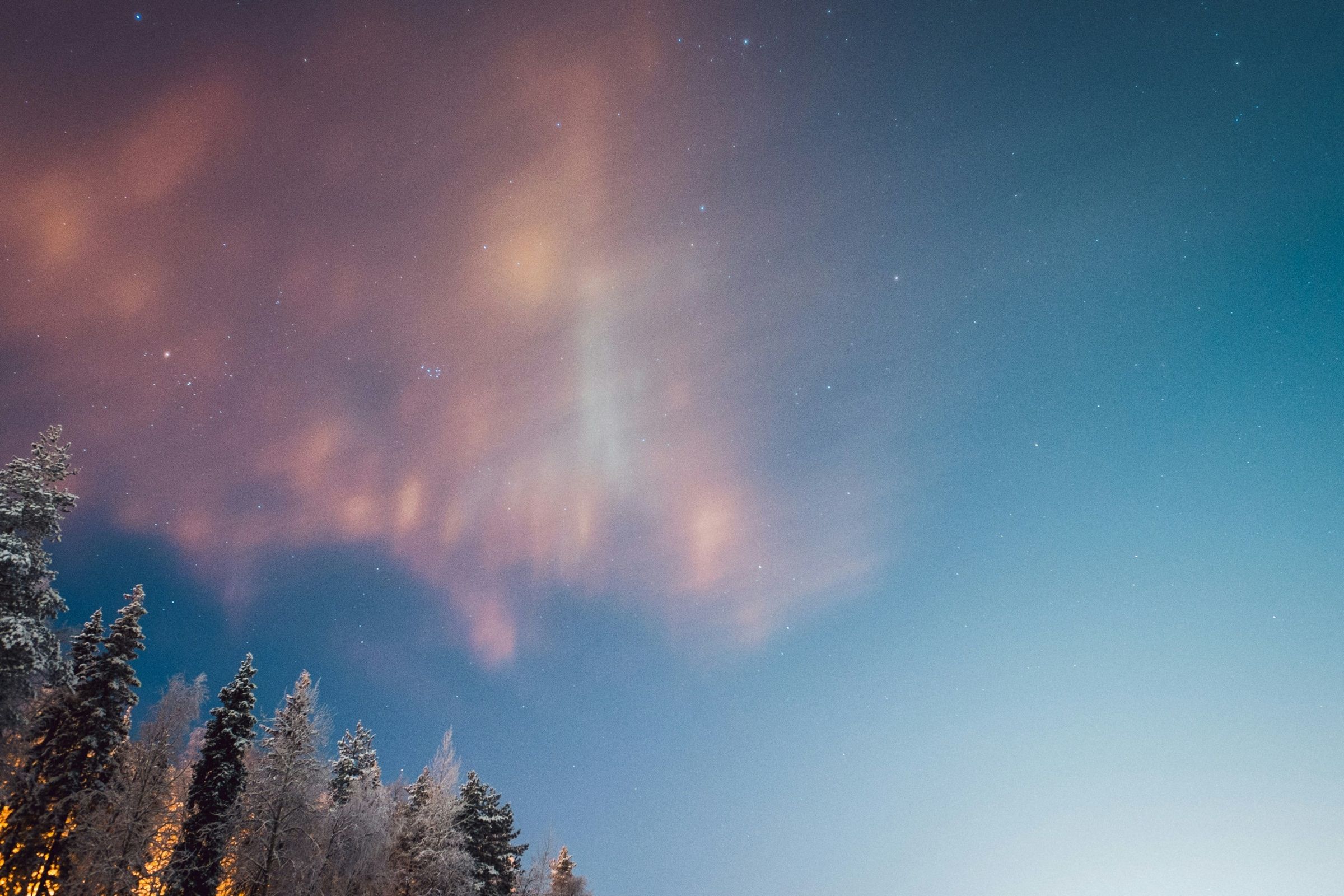
You don’t need a big camera to bring home aurora photos. Recent phones combine several long exposures into one sharp image, and they often show more colour than your eyes see. What decides the result is a steady phone, the right mode, and a battery that survives the cold.
Before you go out
- A mini tripod or phone clamp. The single most useful thing you can pack. Otherwise use a fence post, a rock, or your bag on the snow.
- Charge fully, and bring a power bank in an inside pocket.
- Touchscreen gloves, or thin liner gloves under mittens. Bare fingers get cold within minutes.
- Clean the lens before you go out. Don’t breathe on it outside, because the moisture freezes.
- Headlamp with a red light, so you don’t ruin your night vision or other people’s photos.
The cold and your battery
Apple designs iPhones for 0 to 35 °C. Lapland winter nights are far colder. Below that range the battery drains fast and the phone may switch off; it recovers once it warms up. Other phones behave the same way.
- Keep the phone in an inside pocket and take it out only to shoot.
- When you come back indoors, leave the phone in a closed bag or pocket for a while, so condensation forms on the bag, not inside the phone.
- A cold phone may refuse to charge. Let it warm up first.
iPhone: Night mode
Night mode is on iPhone 11 and later. It switches on by itself in the dark: the moon icon at the top turns yellow.
- Put the phone on a tripod or solid surface.
- Tap the arrow above the viewfinder, tap the Night mode icon, and move the slider to Max for the longest capture.
- Set the self-timer (3 or 10 s) so your tap doesn’t shake the phone.
- Tap a distant light or the horizon to focus, then shoot. Hold still until the countdown ends.
Night mode turns off Live Photos and the flash. Keep them off: turning either on disables Night mode. Bright, fast aurora? Try a shorter capture than Max. Long exposures blur moving curtains into a green haze.
Google Pixel: Night Sight and Astro
Open the camera, choose Night Sight, and put the phone on something steady. In a dark, still scene, astrophotography mode starts automatically (or turn it on manually). It takes a few minutes, with the phone on a stable surface. Google recommends a 3- to 10-second self-timer to avoid shake.
For a dancing aurora, use normal Night Sight with a shorter capture: Astro is made for still stars.
Other Android phones: Night or Pro mode
Try Night mode first. If your phone has a Pro or manual mode, these are good starting points to adjust from:
| Setting | Start with | Then |
|---|---|---|
| Focus | Manual, at infinity (∞) | Check by zooming into a star on the screen |
| Shutter | 2–5 seconds | Longer for faint aurora, shorter for bright and fast |
| ISO | 800–1600 | Lower if the image is noisy and the aurora is bright |
| White balance | About 3500–4000 K | Adjust to taste |
| Flash | Off |
Use a self-timer or voice command so tapping doesn’t shake the phone.
Composition tips
- Add a foreground: snowy trees, a cabin, a frozen lake or a person standing still. It gives scale and makes the photo yours.
- Shoot wide. Use the main camera; ultra-wide lenses are often darker.
- Take many photos. The aurora changes every few seconds.
- Then put the phone away. Watch the sky with your own eyes too.
When to shoot
The best time is usually 9 p.m. to 1 a.m., away from lights, on a clear night. Faint aurora can look grey-white to the eye but shows green in a photo, so take a test shot whenever you’re unsure. For odds and forecasts, see Northern lights in Finland. For where to stand, see aurora tours vs on your own.
Facts on this page
Every number on this page comes from the source below and was checked on the date shown.
| Fact | Value | Source | Checked |
|---|---|---|---|
| iPhones with Night mode | iPhone 11 and later | support.apple.com | |
| iPhone ambient operating temperature | 0 to 35 °C | support.apple.com | |
| Pixel Night Sight astrophotography capture time | a few minutes, with the phone on a stable surface | store.google.com | |
| Google's self-timer tip for Night Sight | a 3- to 10-second self-timer | store.google.com | |
| Best time of night to see auroras (local time) | 9 p.m. to 1 a.m. | en.ilmatieteenlaitos.fi |